PicoCTF Potentially Hidden Password
A while back, I tried the problems in PicoCTF 2014. One of the problems I tried was on web exploitation so I decided to share my thought process as I go about solving this problem.
The Problem
Potentially Hidden Password - 100
This Daedalus Corp. website loads images in a rather odd way… [Source Code]
Hint
The ‘file_loader.php’ page might be able to serve more than just images.
The Thought Process
When I open the website I saw this:
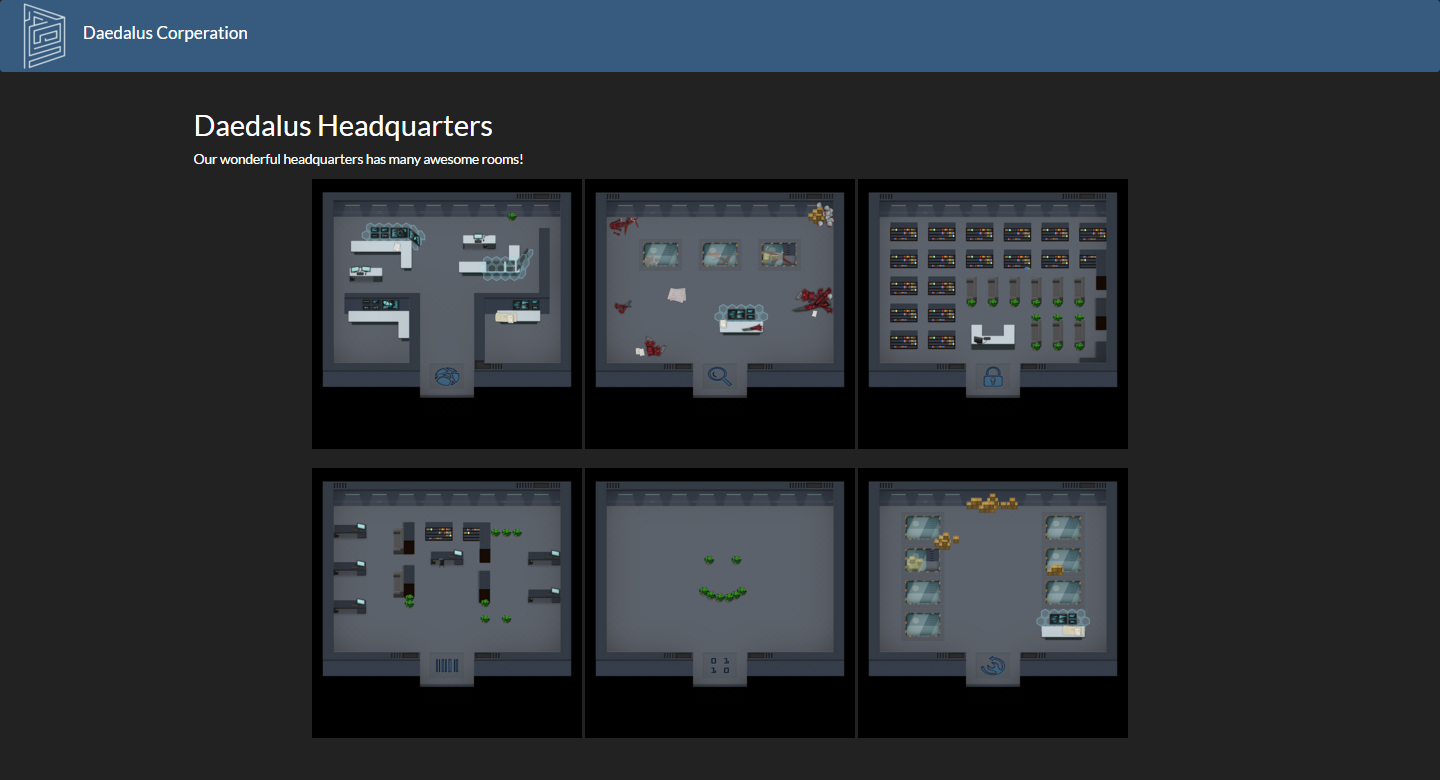
Naturally, as this is a CTF problem, I tried to explore the website. I tried to click around and various things like getting the images’ address and visiting it. One of the images had an address:
http://web2014.picoctf.com/potentially-hidden-password-3878213/file_loader.php?file=zone1.jpgand visiting the link just showed the image. There was nothing out of the ordinary so I continued to examine the other resource provided by the question - the source code. After examining the code, I found that there is this part of the code that seems to access the flag file:
<?php
  $config_file = fopen("/resources/config/admin_mode.config", "r");
  if (fgets($config_file) === "true") {
    $flag_file = fopen("/resources/secrets/flag", "r");
	echo fgets($flag_file);
	flose($flag_file);
  }
  fclose($config_file);
?>
Since the hint mentioned images, I also looked out for the portion where the images are added:
<h2>Daedalus Headquarters</h2>
<p>Our wonderful headquarters has many awesome rooms!</p>
<center>
  <img src="file_loader.php?file=zone1.jpg" class="zone"/>
  <img src="file_loader.php?file=zone2.jpg" class="zone"/>
  <img src="file_loader.php?file=zone3.jpg" class="zone"/><br><br>
  <img src="file_loader.php?file=zone4.jpg" class="zone"/>
  <img src="file_loader.php?file=zone5.jpg" class="zone"/>
  <img src="file_loader.php?file=zone6.jpg" class="zone"/><br>
</center>
Previously, I managed to access the first image by adding file_loader.php?file=zone1.jpg to the url of the website so I thought maybe we can access the flag file in the same way. Hence, I replaced zone1.jpg with flag. After hitting enter, I got directed to web page that says:
No such file: /resources/files/flagUnfortunately, my first guess was incorrect. However, I managed to gain some information from this attempt. It seems that the images are stored in the directory /resources/files/ and we know from the source code that the path of the flag is /resources/secrets/flag. Hence, the flag file and the images are stored in different directories - the reason why my first approach didn’t work.
The Solution
With all the information gathered, all we need to do now is to navigate to the flag file. Firstly, we need to traverse to the parent directory \resources then go into the secrets folder. Luckily, the website is vulnerable to the directory traversal attack (aka dot dot slash attack) so we can access the flag file by
http://web2014.picoctf.com/potentially-hidden-password-3878213/file_loader.php?file=../secrets/flag And viola! I got the flag: i_like_being_included.